Skip to content
Français
eTutorial
Adding a Page to Your Course
This Moodle tutorial for instructors explains how to add, edit and link to a Page on an Onyxon.ca course page.
Related eTutorials
How to Edit an Artifact in an Onyxon.ca ePortfolio
View »
Filtering and Sorting Artifacts in the Onyxon.ca ePortfolio
View »
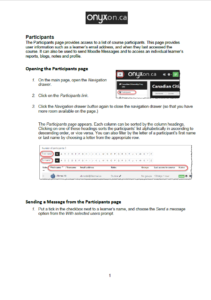
Participants
View »
Adding a Label to Your Course Page
View »
Activating a Suspended Learner to a Course
View »
Load More