Skip to content
Français
eTutorial
Adding a Folder to Your Course Page
This Moodle tutorial for instructors explains how to add a Folder and upload files to it on an Onyxon.ca course page.
Related eTutorials
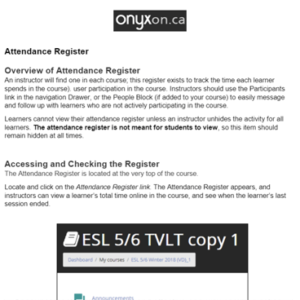
Time Tracker (Attendance Register)
View »
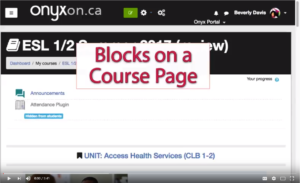
Blocks on the Course Page
View »
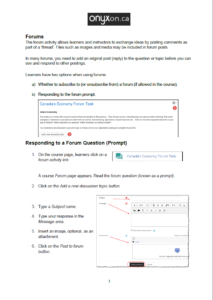
Adding a Forum
View »
Online Users Block
View »
Customizing the Instructor’s Gradebook
View »
Load More