Skip to content
Français
eTutorial
Adding a File to Your Course Page
This Moodle tutorial for instructors explains how to upload a file and link to it on an Onyxon.ca course page.
Related eTutorials
Importing Items to a Glossary Activity
View »
Requesting Additional Units in an Onyxon.ca Course
View »
How to View a Learner’s ePortfolio at Onyxon.ca
View »
Calendar
View »
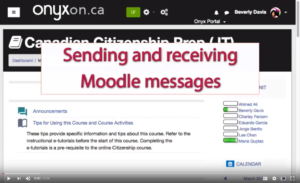
Sending and Receiving Moodle Messages
View »
Load More